JPEG, WebP and PNG compared with a real photo
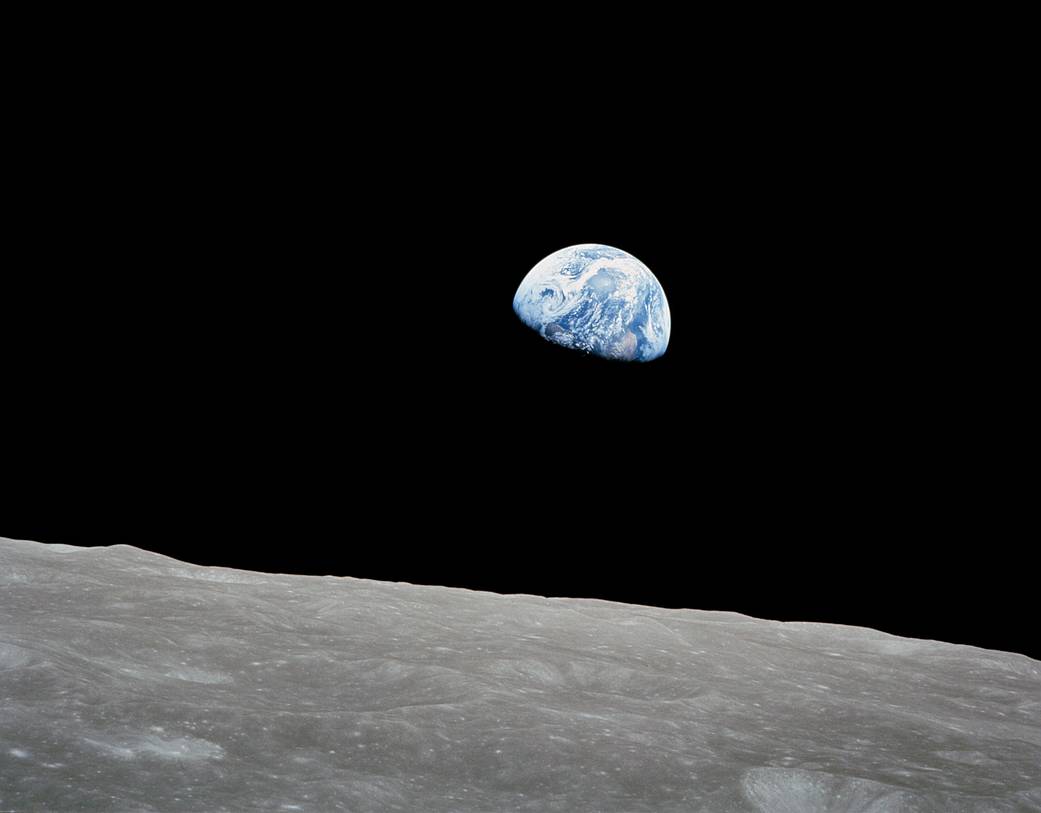
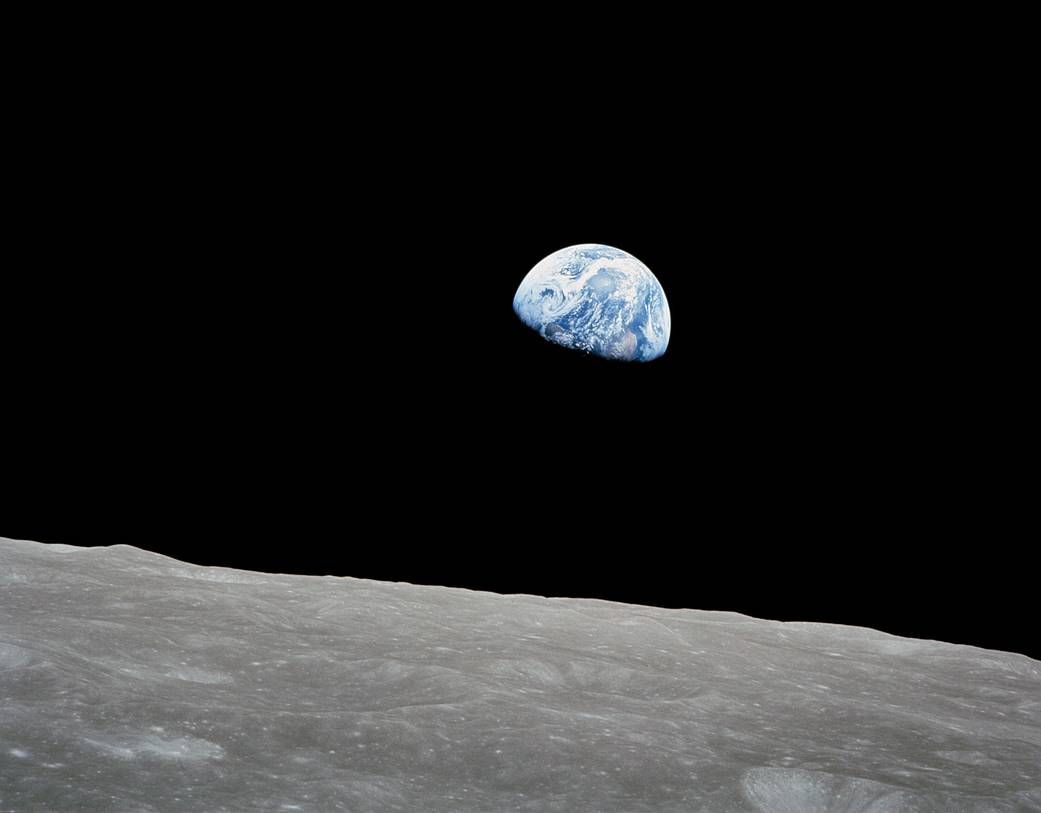
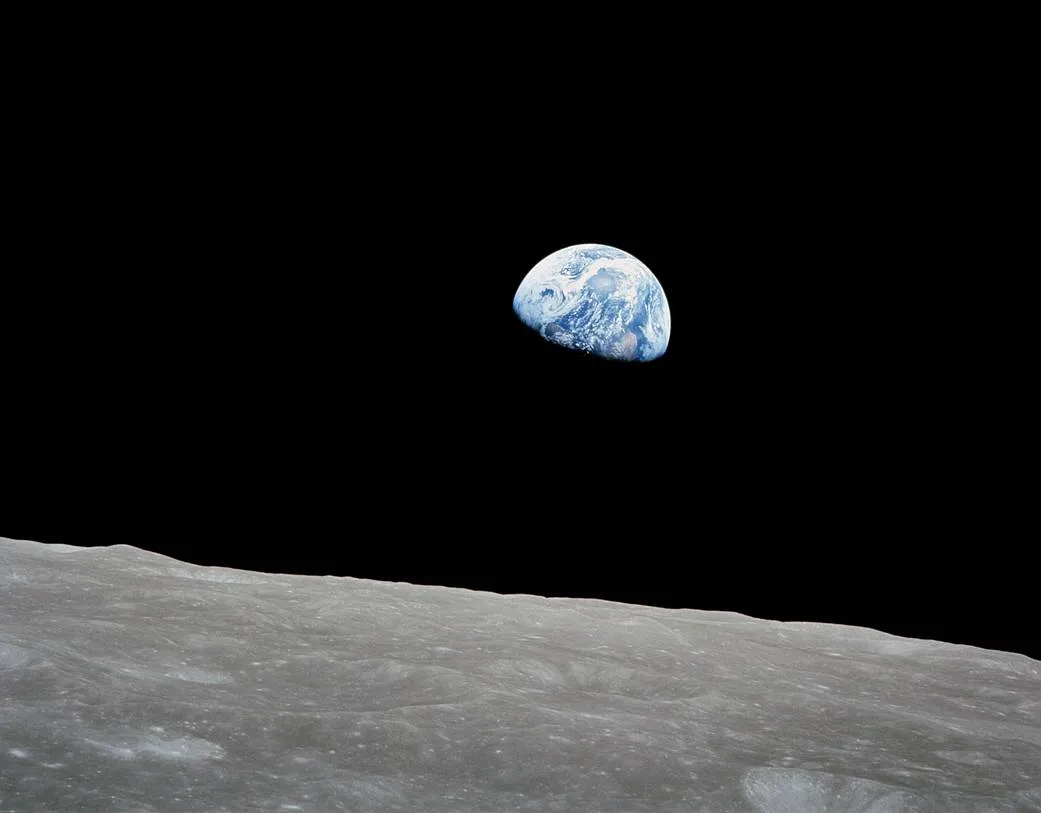
The same quality number does not mean the same result across formats. We uploaded NASA's Earthrise photograph to Apps24 and downloaded JPEG and WebP at 80% quality, with dimensions at 100%. The source and actual downloads below let you inspect and repeat the comparison.
Input and result
Earthrise · JPEG · 1041×813 | 59,190 bytes |
JPEG 80% · 1041×813 | 42,674 bytes |
JPEG 60% · 1041×813 | 35,582 bytes |
WebP 80% · 1041×813 | 27,016 bytes |
WebP 60% · 1041×813 | 17,934 bytes |
PNG · 1041×813 | 395,915 bytes |
WebP 80% · 521×407 | 8,224 bytes |
What the result means
The source JPEG was 59,190 bytes; JPEG 80% was 42,674 and WebP 80% was 27,016, about 54.4% smaller than the source. PNG grew to 395,915 bytes, about 6.7 times the source. Converting an already compressed photo to a lossless format can increase size. PNG cannot restore detail missing from the original JPEG. An 80% setting in JPEG and WebP is not equivalent visual quality.
What to do next
Open and download the source, then upload it to the tool. Keep dimensions at 100% and change only the format first, then lower quality. Compare the clouds and lunar surface at the original viewing scale; a small preview can hide damage. Only then try 50% dimensions if a smaller display size suits your use. This sample's WebP 80% at 50% dimensions was 521×407 pixels and 8,224 bytes, but it also removed pixel detail. Keep the source for future editing.
Use the toolLimits and test conditions
Tested on 2026-10-07 in Chromium 154: 1041×813 source pixels, browser canvas encoder, high-quality resizing. The table comes from the reproduction script; actual tool downloads at JPEG/WebP 80% matched its hashes. One photograph is not an average compression rate or an objective visual-quality score. Source image: NASA, not a photo taken by Apps24. Derivatives are re-encoded comparison files. NASA does not endorse Apps24 or these results.
photo-comparison.jsReferences
Apps24 checks examples against the implementation and regression tests. Browser experiments state their conditions; they do not certify every device. Report an error with the page URL, input, expected result and browser. Never send passwords, private documents or personal data.